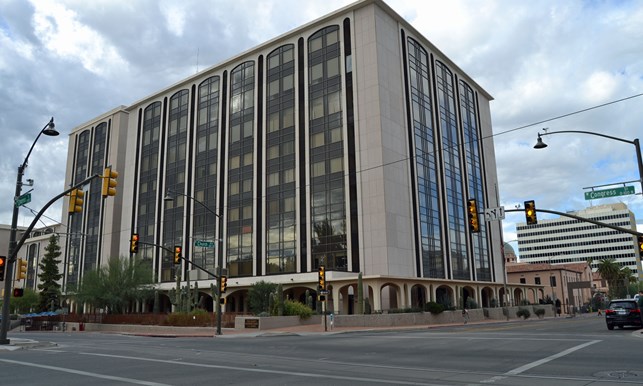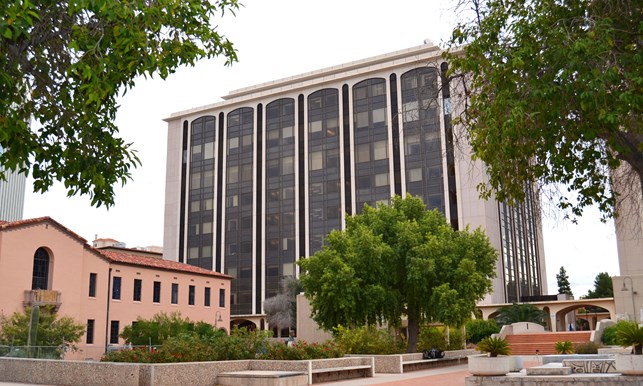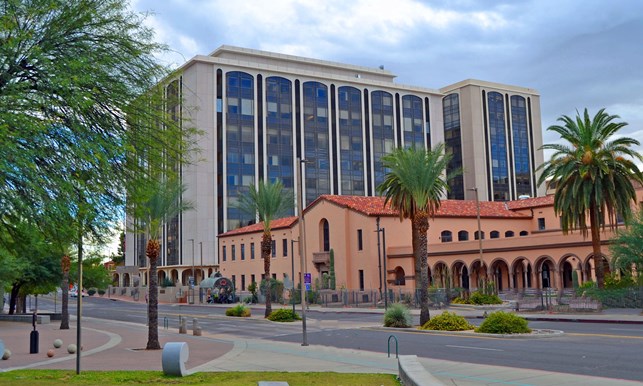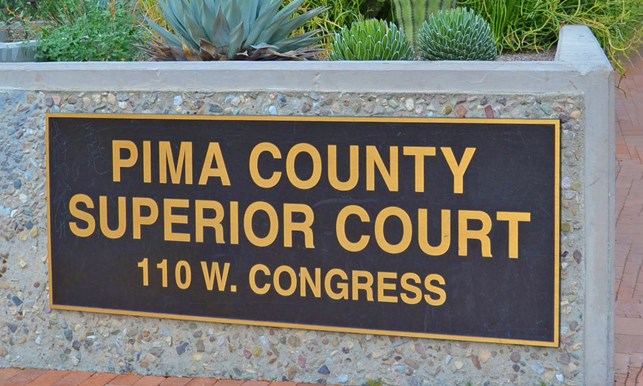
Arizona Superior Court in Pima County

 Judges & Courts
The Arizona Superior Court in Pima County is comprised of 53 judicial officers that hear criminal, civil, family law, juvenile, and probate matters. The Court is led by a Presiding Judge and Associate Presiding Judge, both of whom oversee the entire court. The criminal, civil, family law, juvenile, and probate courts, also referred to as “benches,” are each led by a bench presiding judge.
 Services
The Arizona Superior Court in Pima County provides a number of services through its various court departments. Find information about court services including Adult Probation, Case Management Services, Conciliation Court, Court Interpreters, Court Reporters, Law Library, Pretrial Services, Procurement / Finance, and Public and Media Relations.
 JUROR INFORMATION
The Jury Commissioner's Office provides qualified jurors for trials in the Arizona Superior Court in Pima County, Tucson City Court, Pima County Consolidated Justice Courts, and for County and State grand juries.
 How Do I?
A quick way to find answers to our most frequently asked questions. For example, "How do I request a hearing" or “How do I find juror information” etc...